
Document manager for iPhone & Android

Scan, organize, and protect your documents — beautifully.

Aerodocs turns your phone into a complete document workspace. Capture clean scans, find anything in seconds, lock the sensitive ones in an encrypted vault, and sync across devices when you want to.

Free with optional Premium End-to-end encryption Built for everyday users
Aerodocs app illustration
In the app

Designed to feel as good as it looks

A glance at how Aerodocs handles scanning, organising, and securing your documents — the same experience on iPhone and Android.

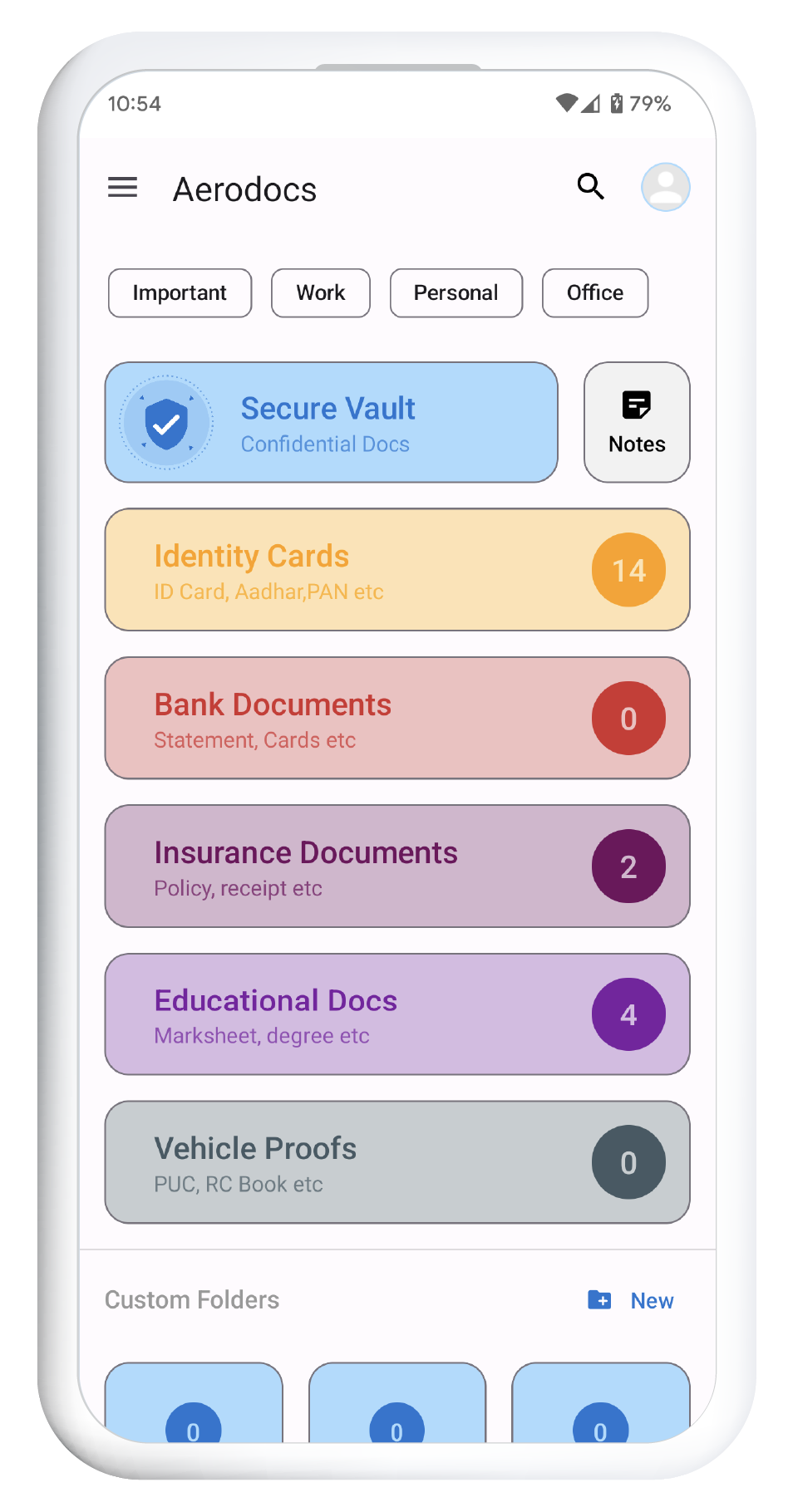
Aerodocs home screen
Aerodocs scan screen
Aerodocs document detail
Aerodocs vault screen
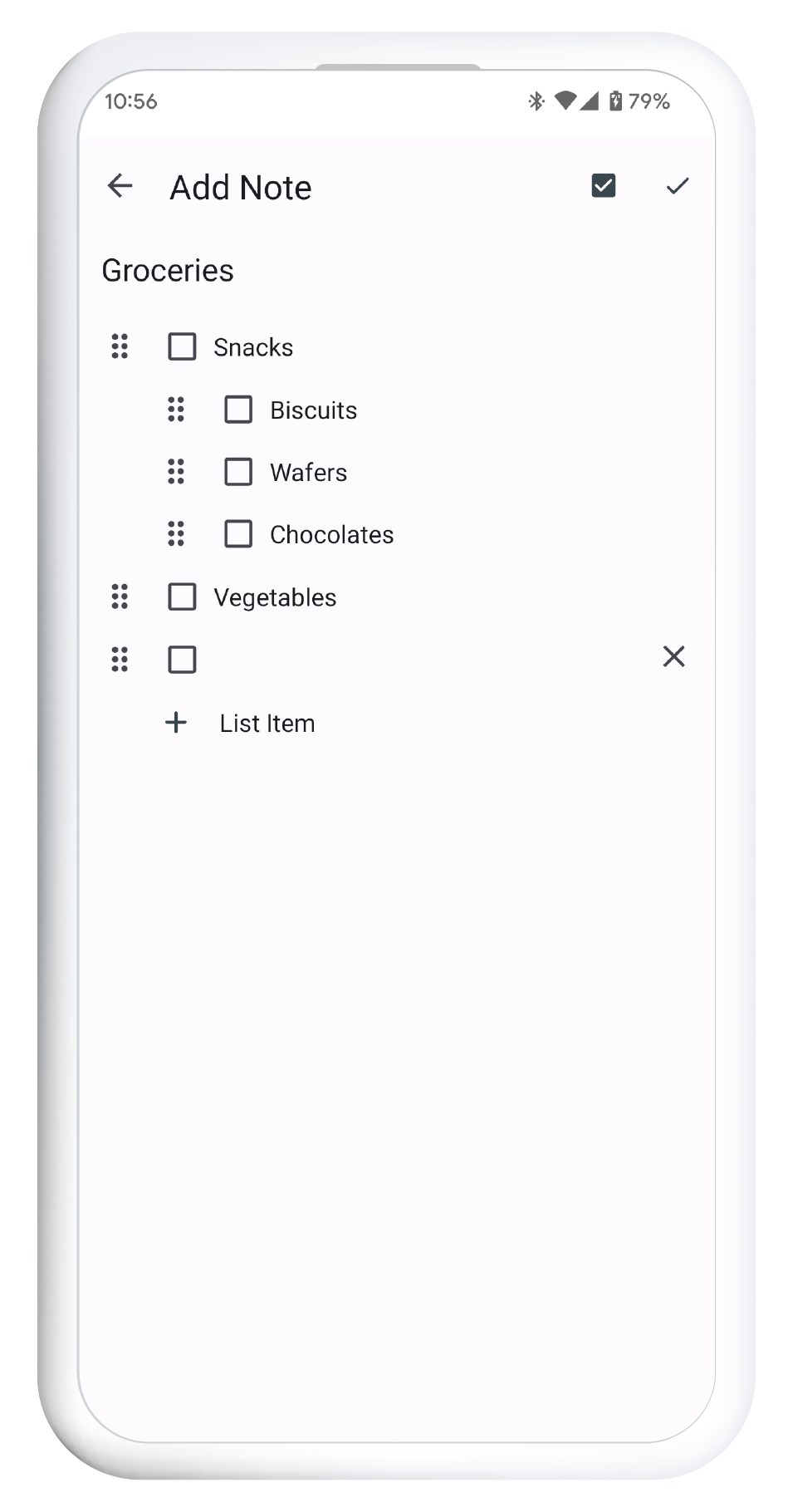
Aerodocs notes screen
Aerodocs share screen
What's inside

Everything you need, nothing you don't

Pocket-sized tools that replace half of the apps fighting for space on your phone.

High-speed scanning

Multi-page scans with auto-edge detection, perspective correction, and per-page filters.

Smart search

Find documents by name, tag, field value, or extracted content — instantly across your whole library.

Encrypted vault

Sensitive docs live in a hardware-backed encrypted folder. Other apps simply can't see them.

Cloud sync

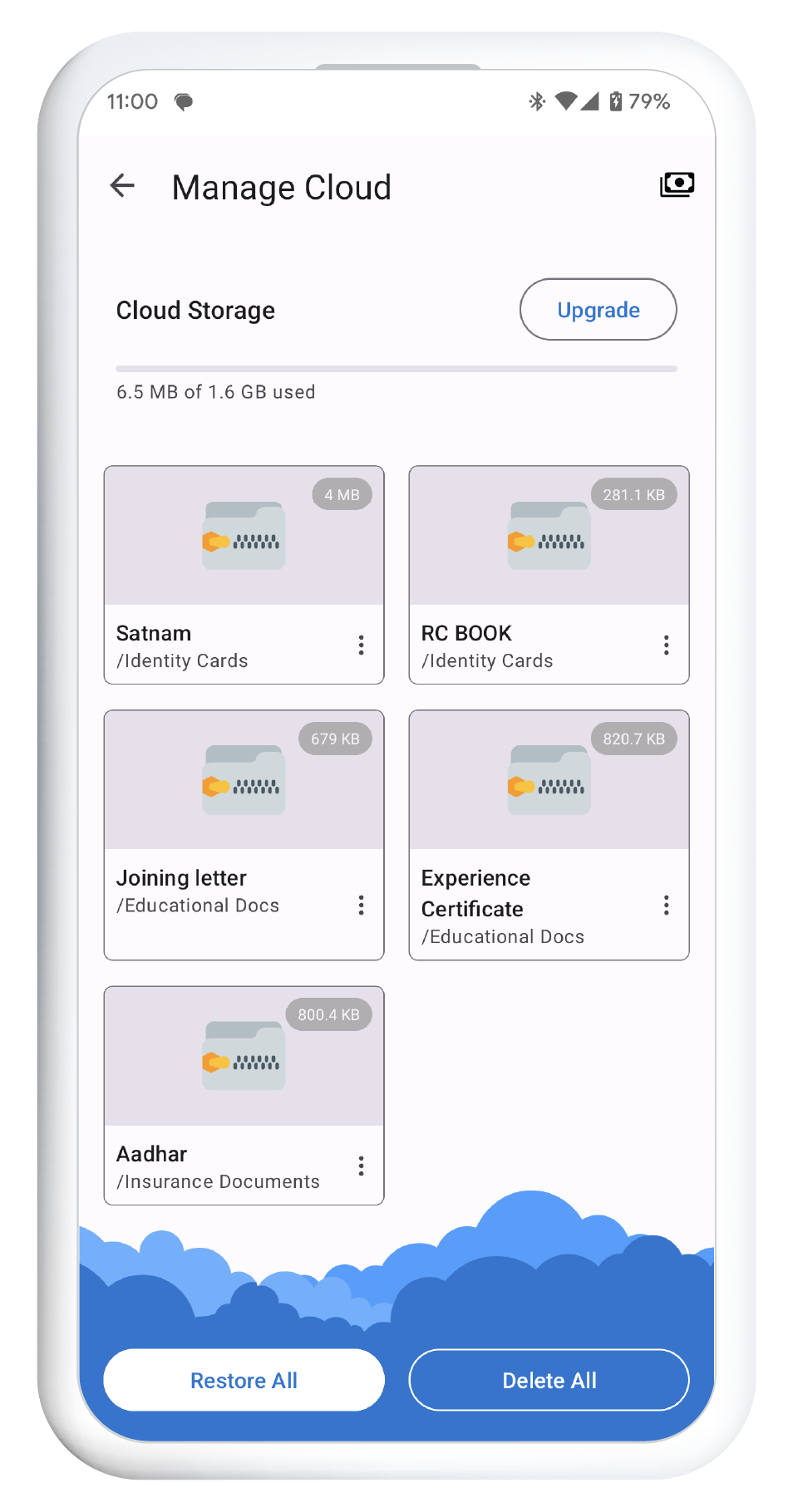
Mirror your library to your Aerodocs cloud — share, restore, and pick up on a new device in minutes.

Notes & to-do

Sticky text and multi-level checklists alongside your documents — synced and locked the same way.

Secret manager

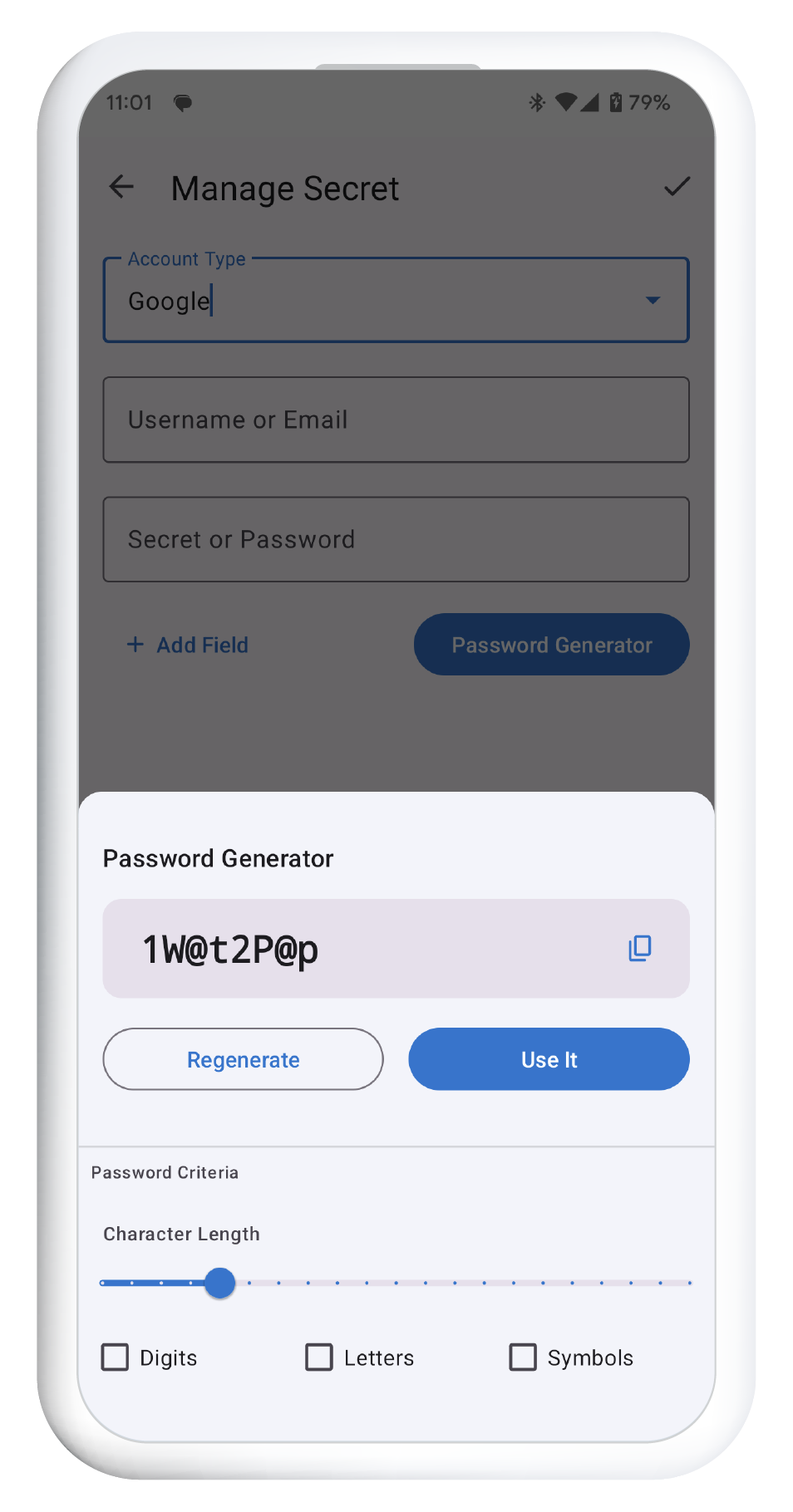
Passwords, account details and 2FA codes — encrypted in the vault, with a built-in password generator.

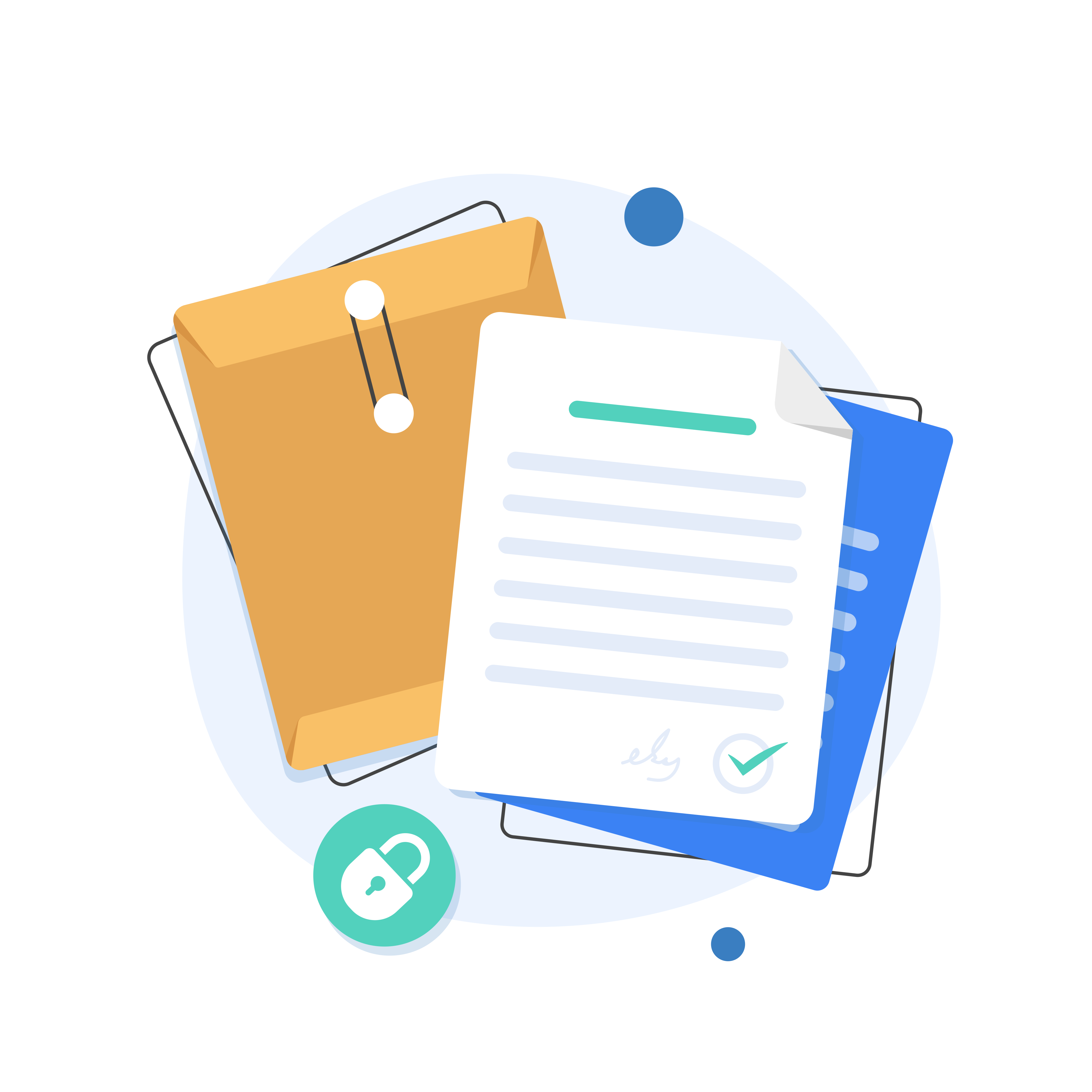
Secure documents illustration
Built to keep secrets

Your documents stay yours, locked behind real encryption

Aerodocs uses the same hardware-backed key store your bank app uses. Files in the vault never leave your device unencrypted — and they don't sit in some random gallery either.

  • Encrypted vaultPer-file AES-GCM with a device-bound key.
  • Entity extractionPull contact info, IDs, and addresses out of scans automatically.
  • 2FA-protected backupsAn extra step before any cloud restore.
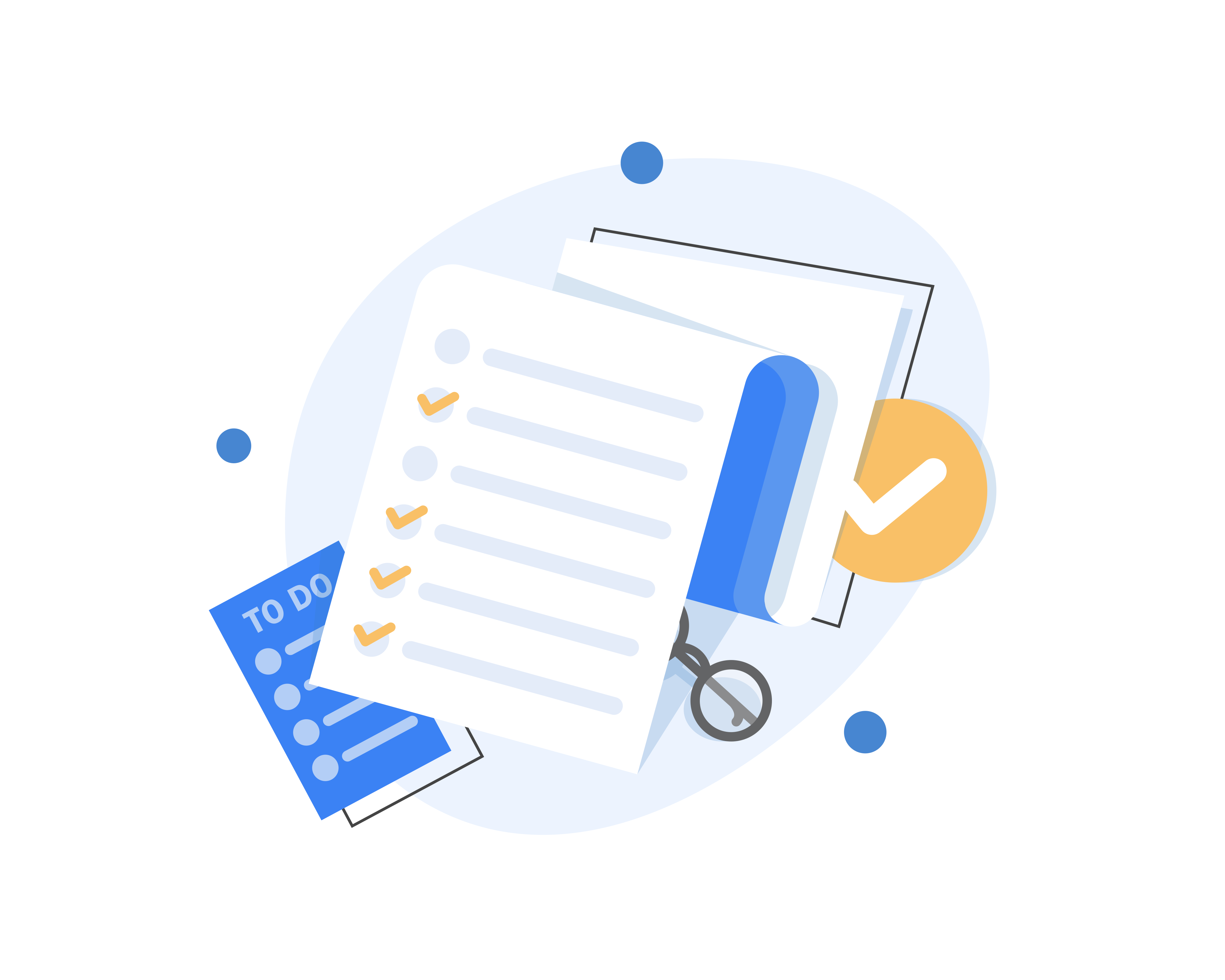
Organise and find documents illustration
Calm, not cluttered

Find anything in a tap, organize without thinking

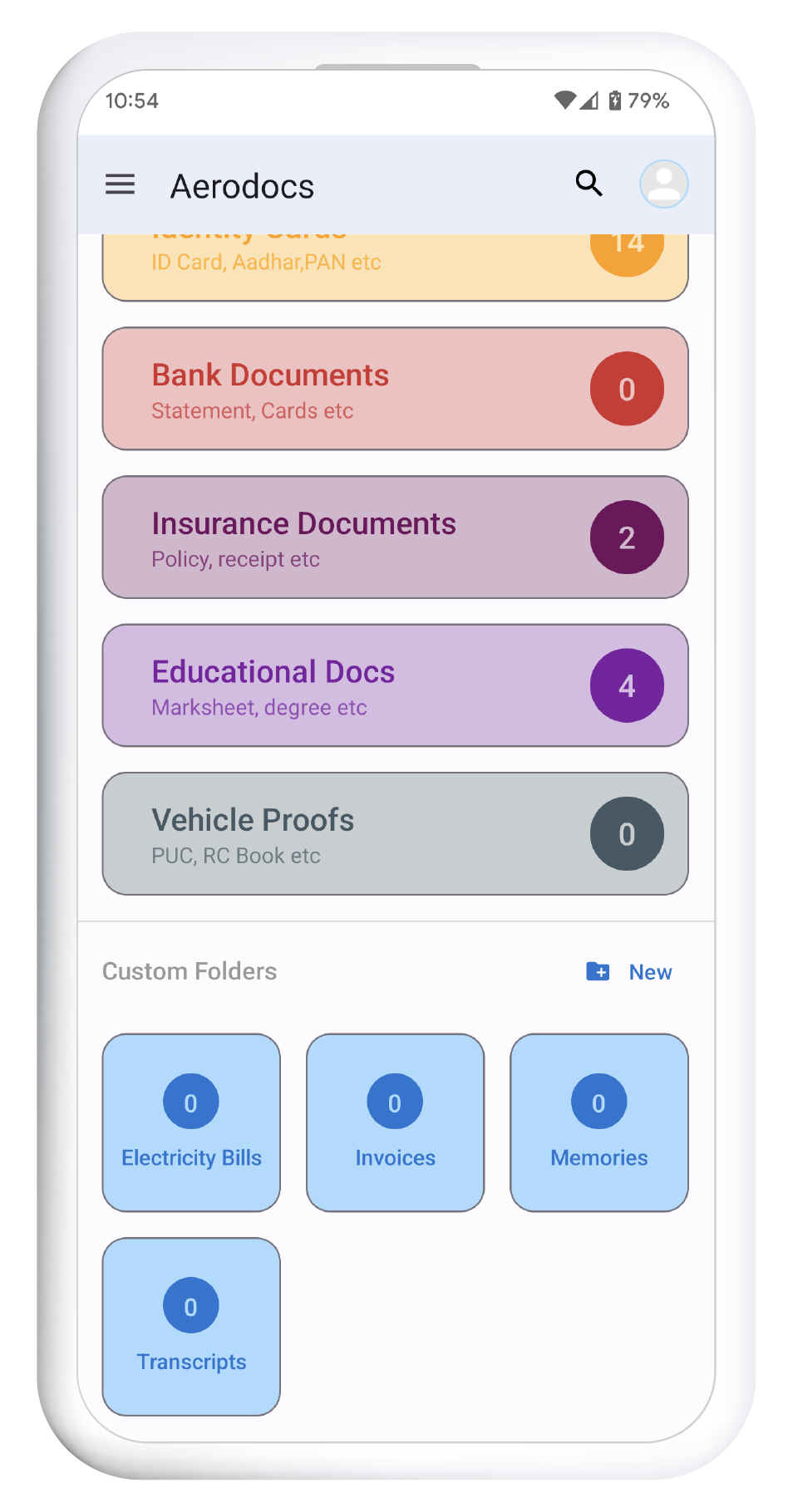
Aerodocs is built around the way you actually use documents — folders when you want them, search and tags when you don't.

  • Advanced searchName, tag, field value, even extracted text from your scans.
  • Tags & fieldsAdd structured info to any document for instant retrieval.
  • Notes & to-do alongsideAll your information in one calm, organized place.
Share and export illustration
Share, your way

Every option you'd want for sharing

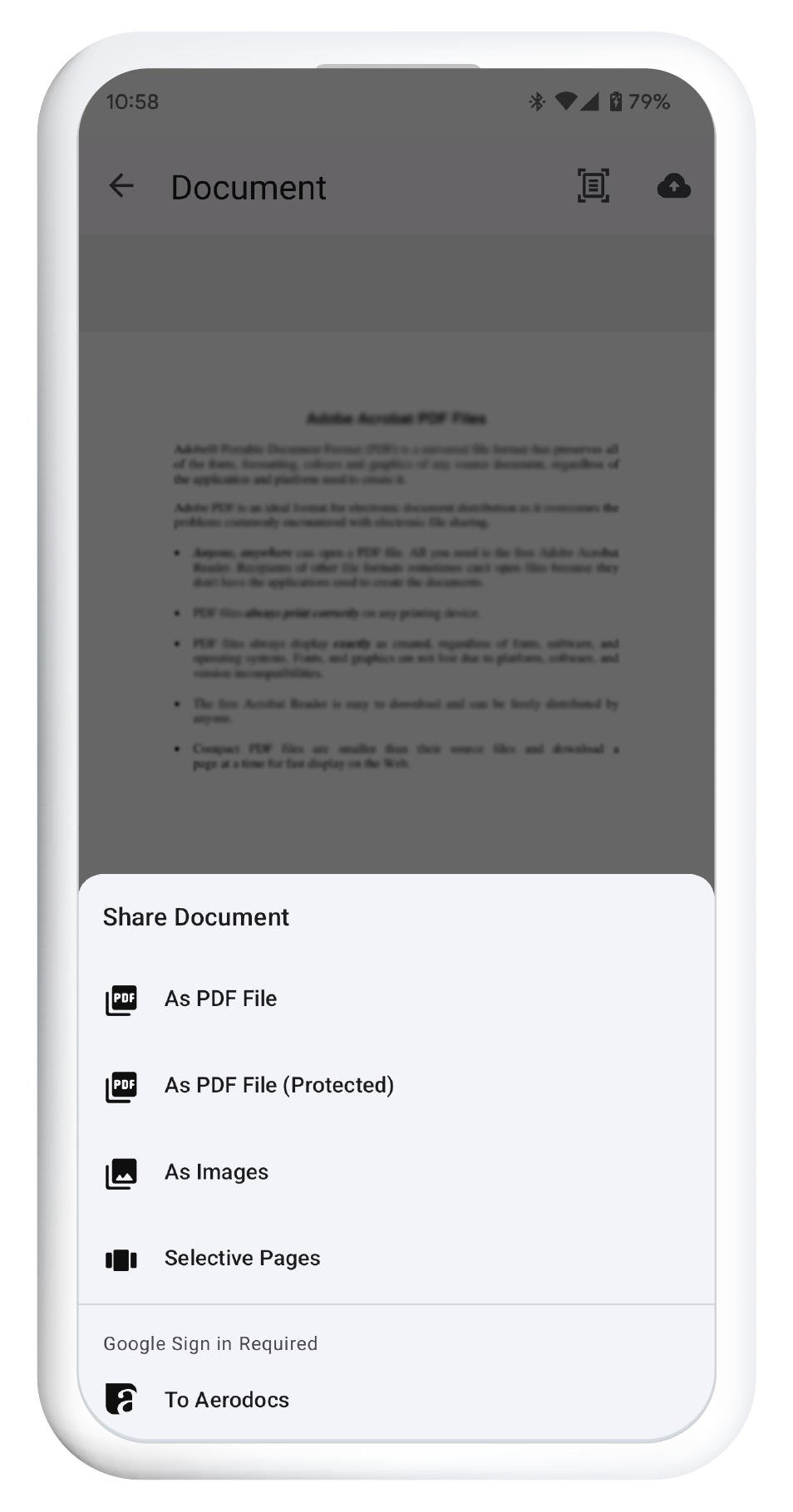
Send a document the way the recipient wants it — image, PDF, or Aerodocs' own portable format. Pick exactly which pages go out.

  • Multi-format exportImages, PDF, or native .aerodocs files.
  • Selective sharingChoose specific pages from a multi-page scan.
  • Encrypted PDFsImport and export password-protected PDFs directly.
FAQ

The honest answers

If something isn't here, drop us a line — we'll answer.

Your data lives on your phone. Nothing leaves the device unless you turn on backup or cloud sync. The vault uses hardware-backed AES-256 GCM encryption. Cloud backups are stored on Google Cloud infrastructure with their own layer of encryption at rest.
Yes — almost every feature ships in the free tier. A Premium tier unlocks extra cloud storage and a few power-user tools, billed monthly or yearly.
Completely. Scanning, the vault, notes, secrets, and search all work offline. The cloud sync layer is opt-in and additive — your local library is the source of truth.
Anytime. Export documents as images or PDFs, or take a portable `.aerobak` backup that bundles everything (including vault contents) into a single file you control.

Get a calmer relationship with your documents.

Free to download, free to use — on iPhone and Android. Take a look; five minutes is enough to see if Aerodocs fits.